No install. No build step. No excuses.

Build the Web.

Write HTML, CSS & JS and see it render live across five synced viewports. Test accessibility, simulate vision conditions, and deploy to Netlify or Vercel — all from one tab, with no setup.

5 Synced viewports
4 Deploy targets
Zero Setup required
Free To start
Features

Code, preview, ship — all in one tab

No installs, no build step. Write HTML, CSS & JS, test accessibility, simulate vision conditions, and deploy — all from one tab.
Optional AI

Connect your own AI account — Claude or GPT. Todo tracking, web search, and one-click rewind checkpoints — all with full project context. Completely optional.

Your key

Accessibility First

Run WCAG audits, check colour contrast, and test keyboard navigation — all built into the editor. Fix issues with one click via AI.

Inclusive

Vision & Sensory Simulation

See your design through different eyes — colour blindness, glaucoma, cataracts, and more. Plus sensory filters for autism, dyslexia, and attention differences. Filters apply across every viewport at once, so you can compare side by side.

Empathy

Multi-Device Preview

Compare up to five viewports side by side — iPhone, iPad, Pixel, Galaxy, desktop. Clicks, scrolls, and edits sync across every frame, so you can spot responsive bugs the moment they appear.

5-up sync

Collaborate & Fork

Code together in real time with a shared link. Fork any public project, propose changes back with merge requests — social coding built in.

Real-time

Ship It

Push to GitHub, deploy to Netlify, Vercel, or Neocities — all from inside the editor. No CLI needed.

Deploy
Why Blnq

Purpose-built for front-end

No frameworks. No build step. No config. Just open a tab and build — with tools designed specifically for front-end prototyping that other editors simply don't have.

blnq
Lovable
CodePen
No install, runs in browser
No framework required
Live preview
5-up multi-device preview
Visual design mode
WCAG accessibility audit
Vision & sensory simulation
AI with your own key
MCP integration
Multi-file projects
Backend & data integration
Soon
Deploy to Netlify / Vercel
Own
Pro
Free to start
Limited
AI

Your AI.
Your rules.

Connect Claude or GPT with your own API key. The AI has full project context and works in a continuous agentic loop — reading your code, making targeted edits, checking for errors, and iterating until it's right.

  • Your key, your cost — no subscription markup
  • Agentic loop: reads, edits, checks errors, iterates
  • Web search, screenshots, and one-click rewind
  • Or connect Claude Code / Cursor via MCP — same result
  • Ask for 3 designs — each one streams into a live picker as it builds
Try now
Showcase

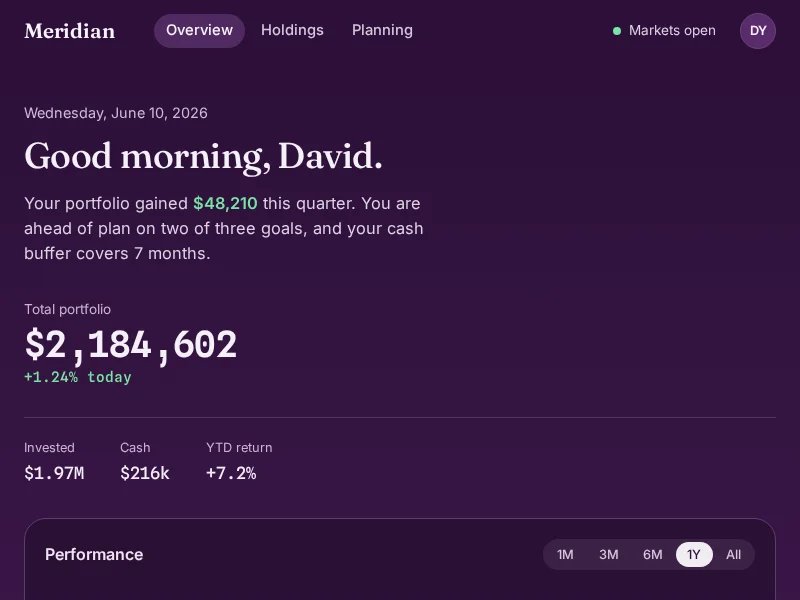
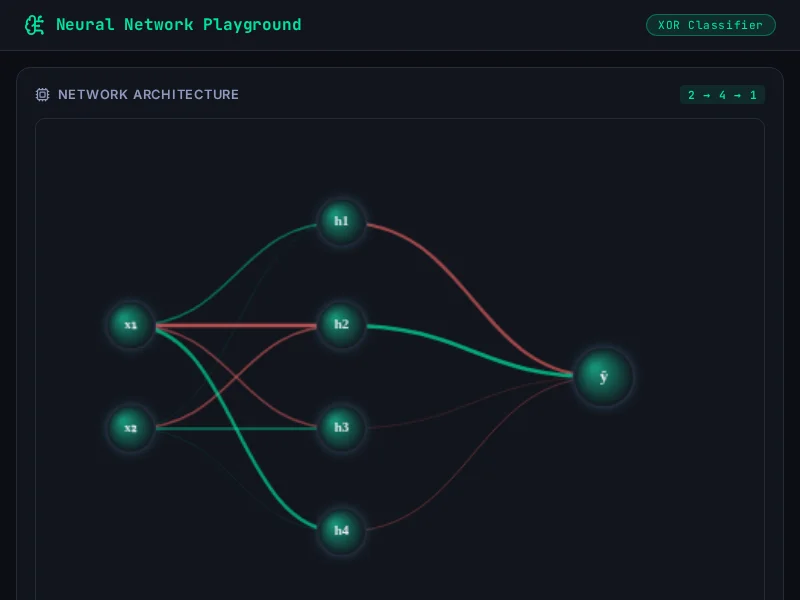
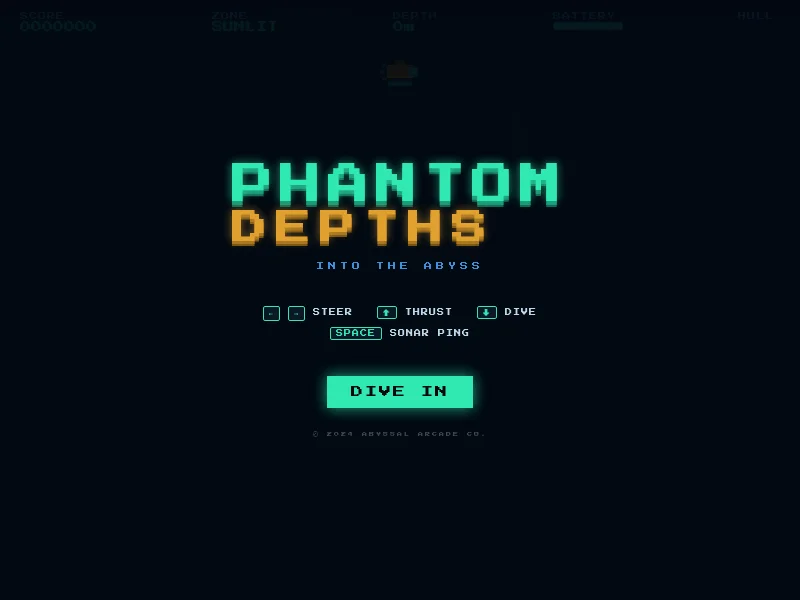
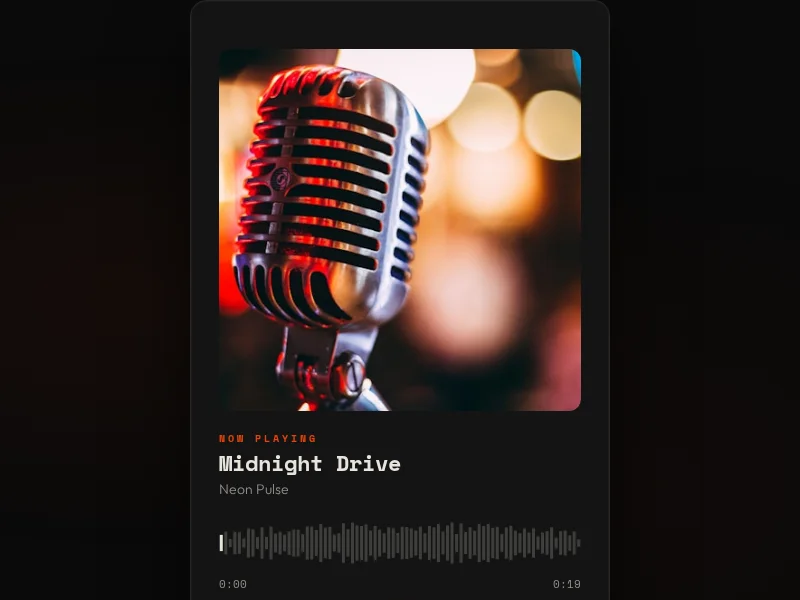
Shipped from the editor

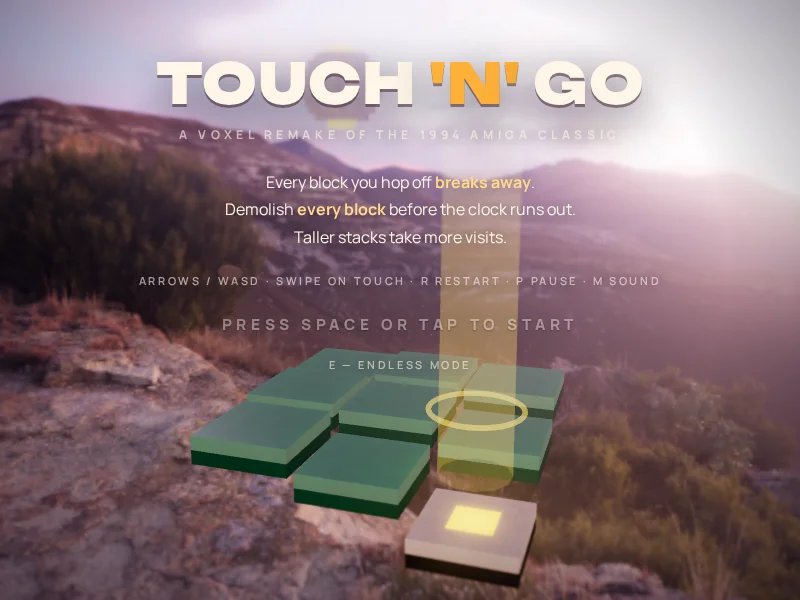
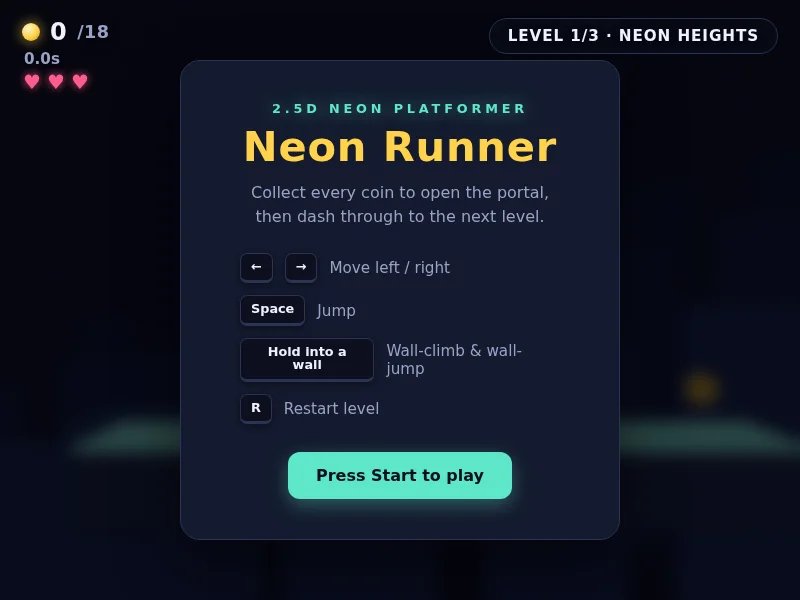
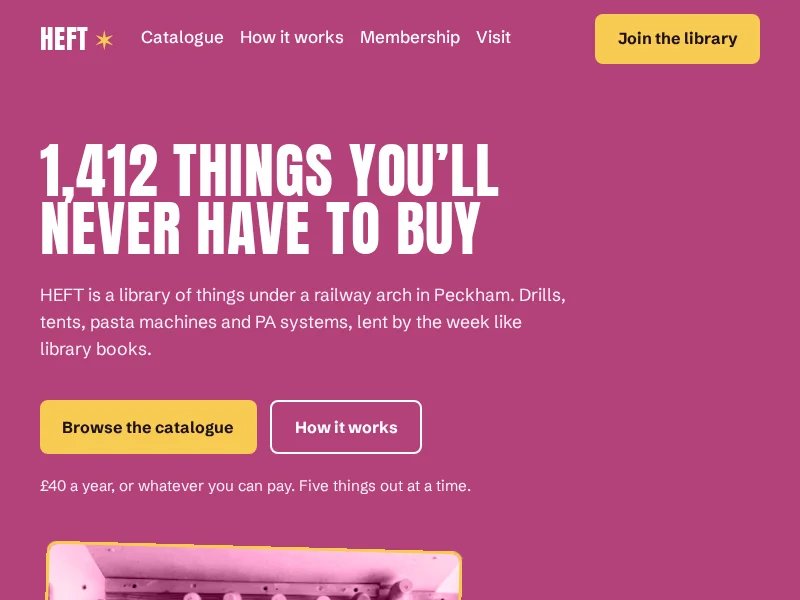
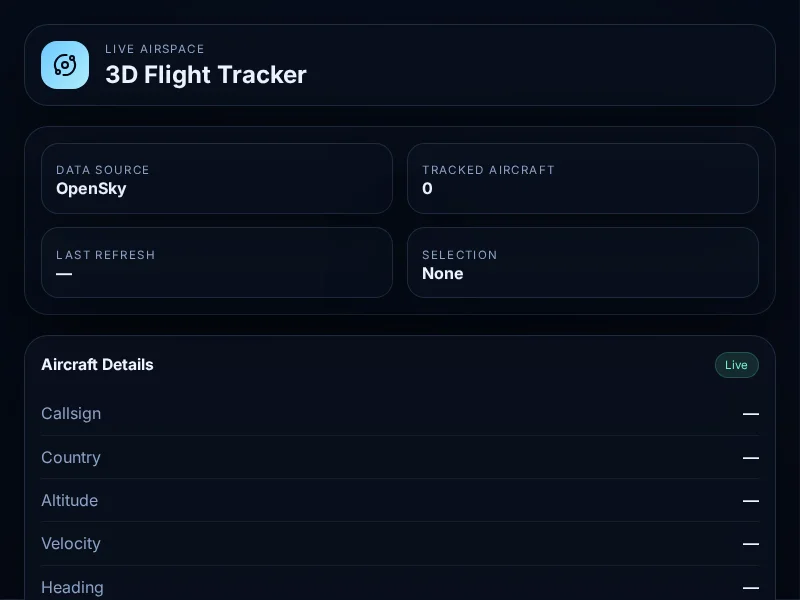
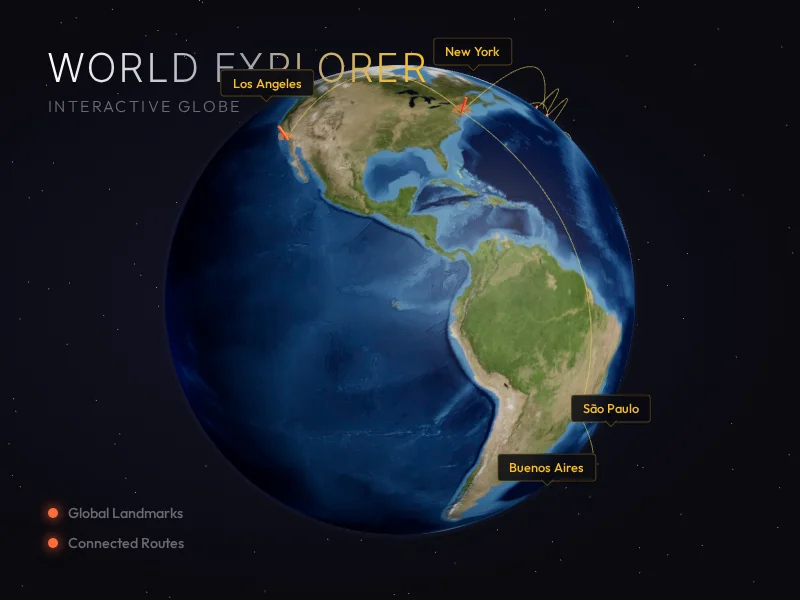
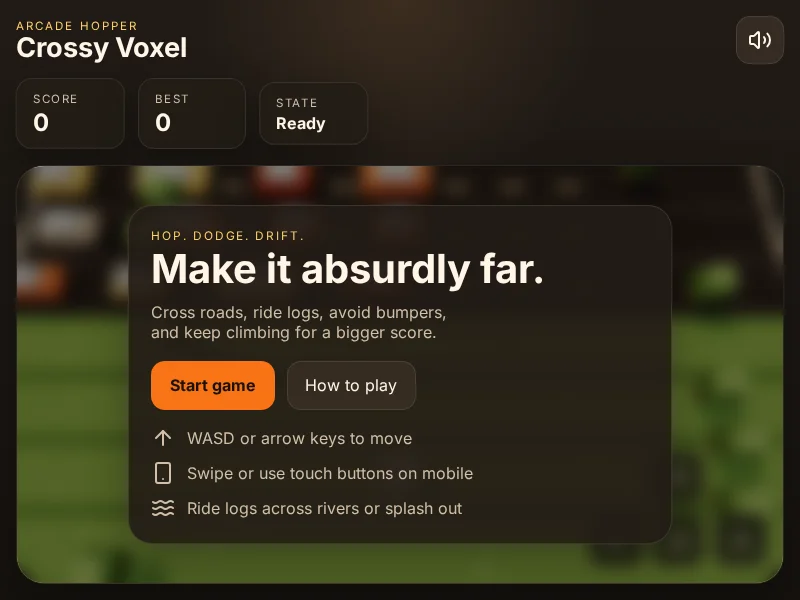
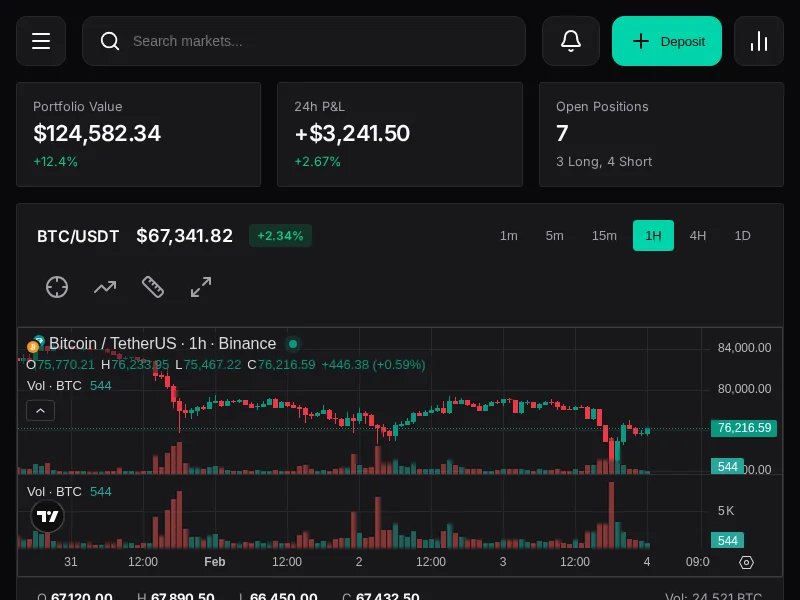
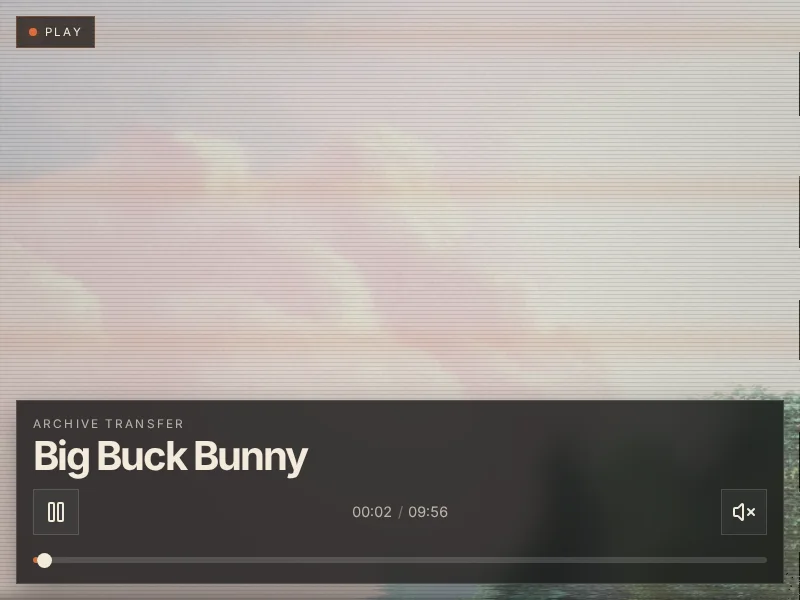
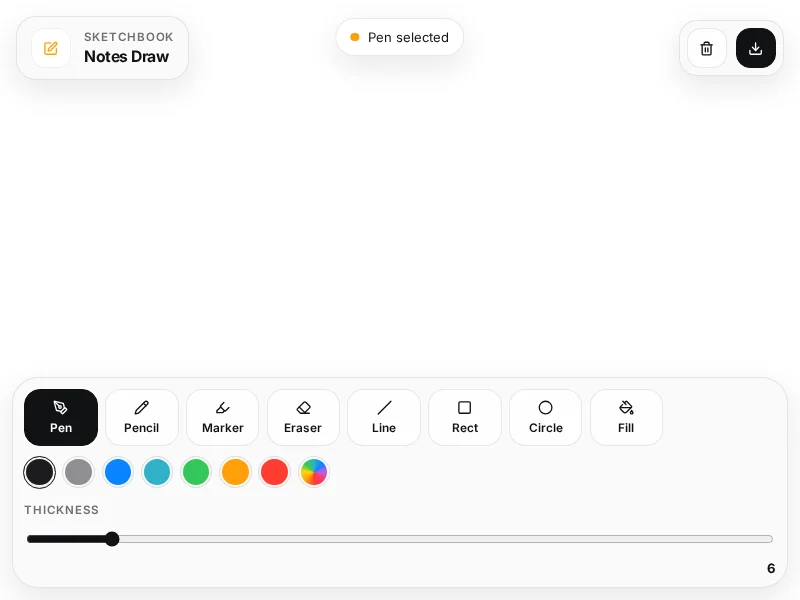
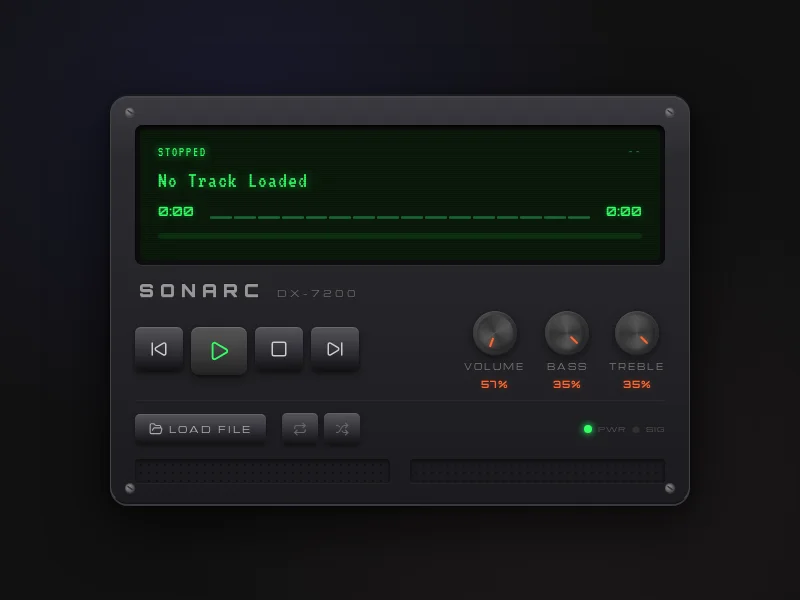
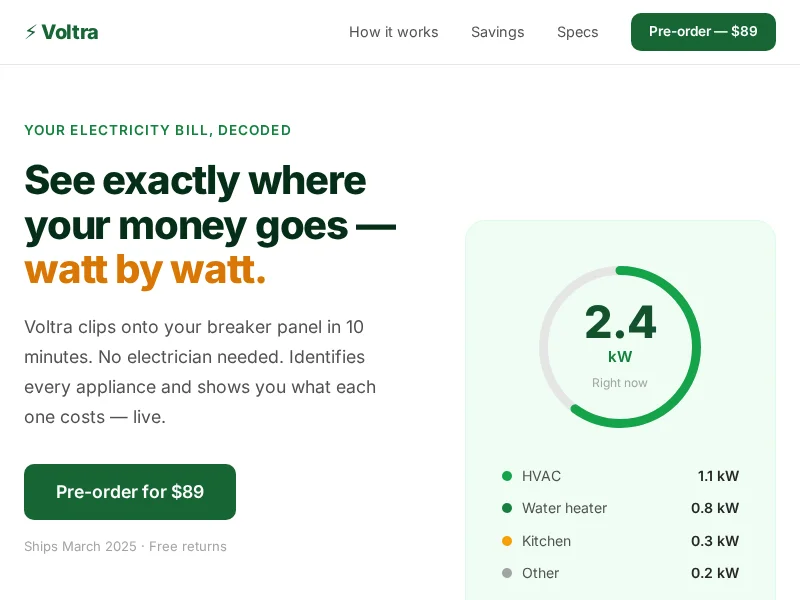
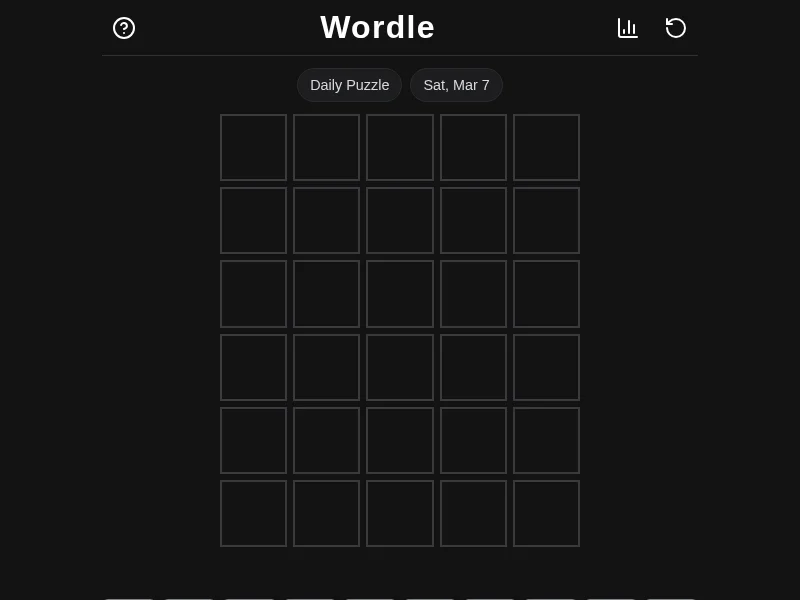
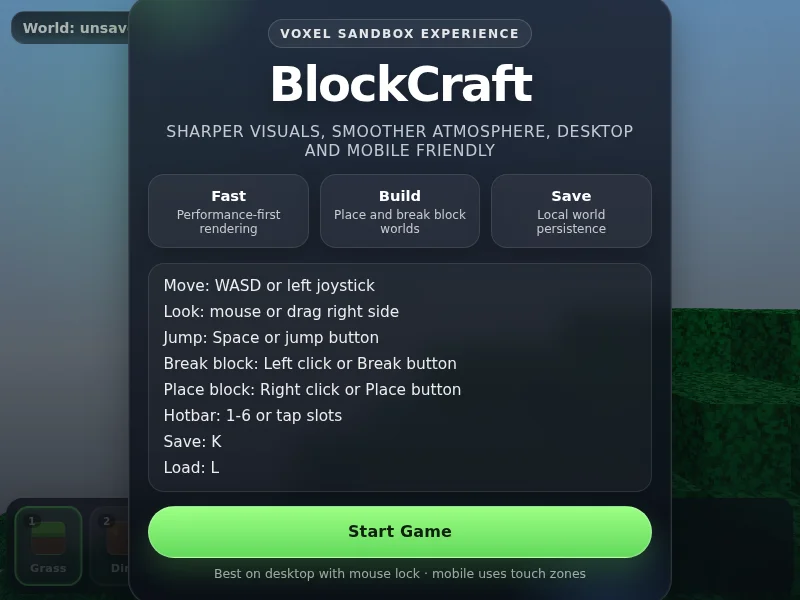
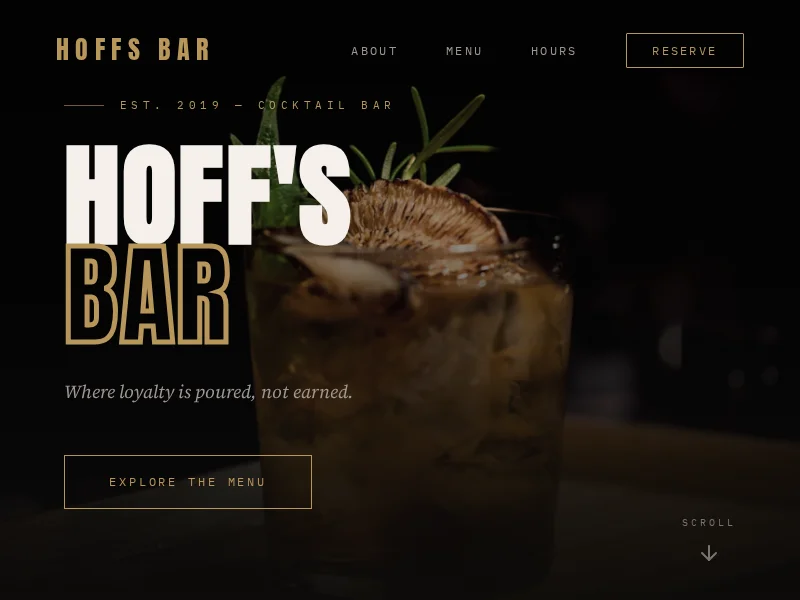
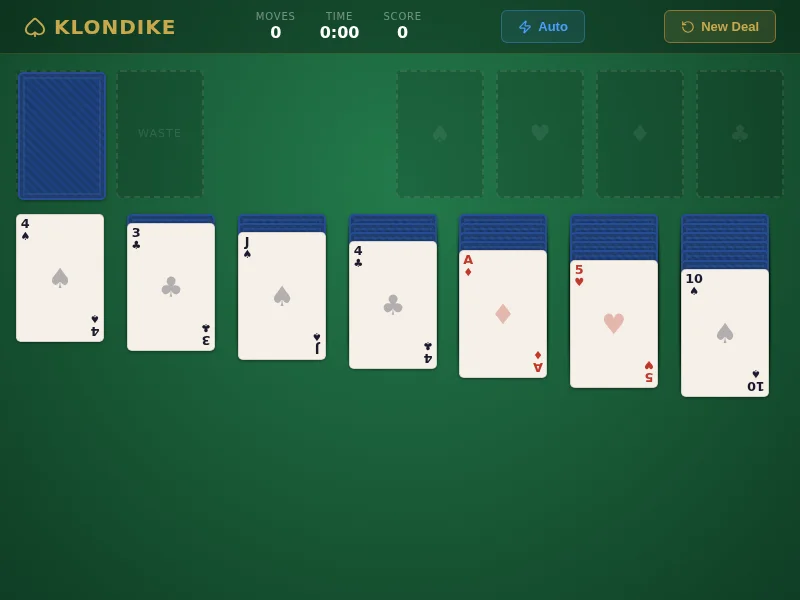
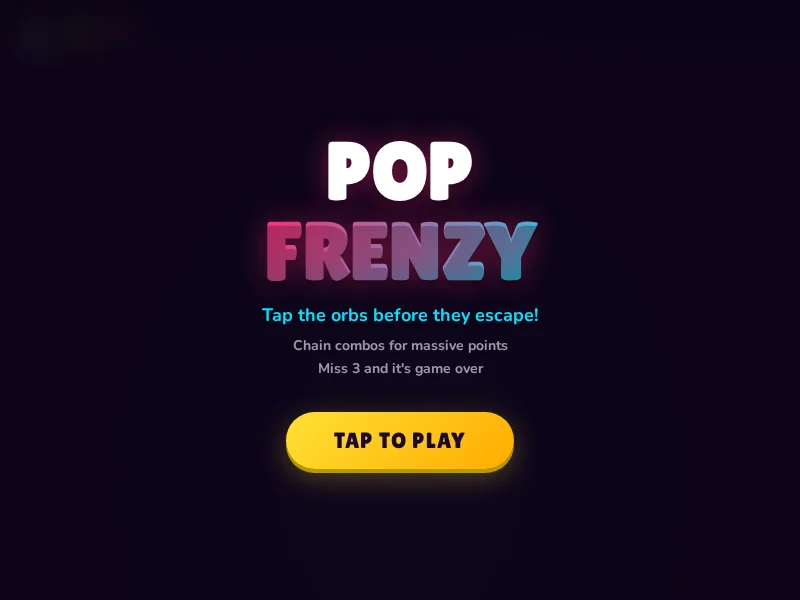
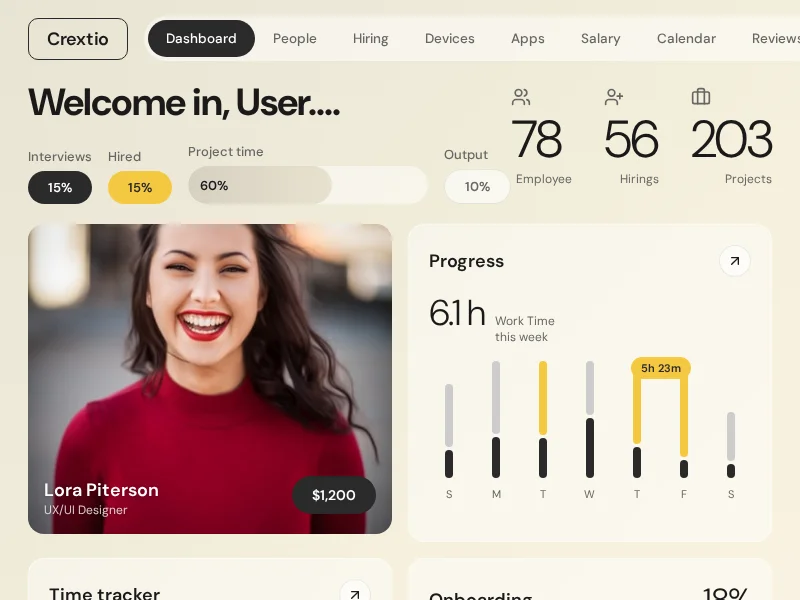
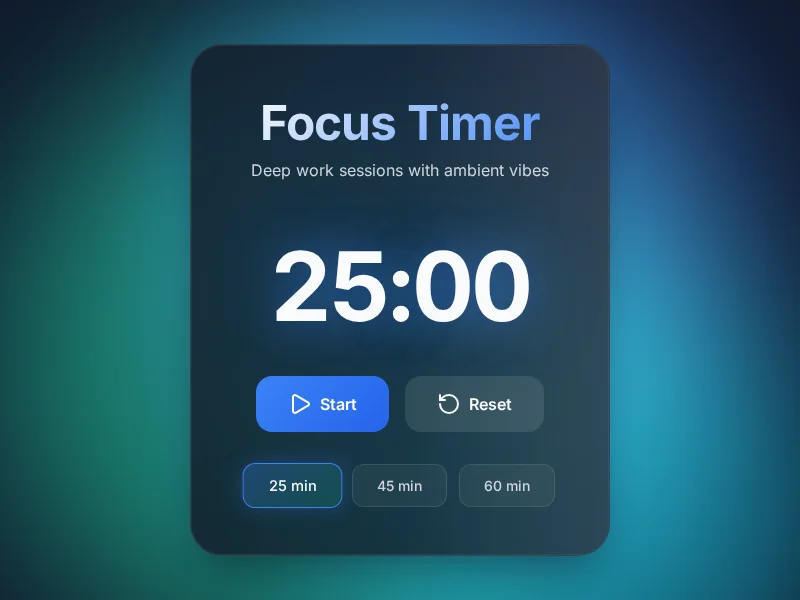
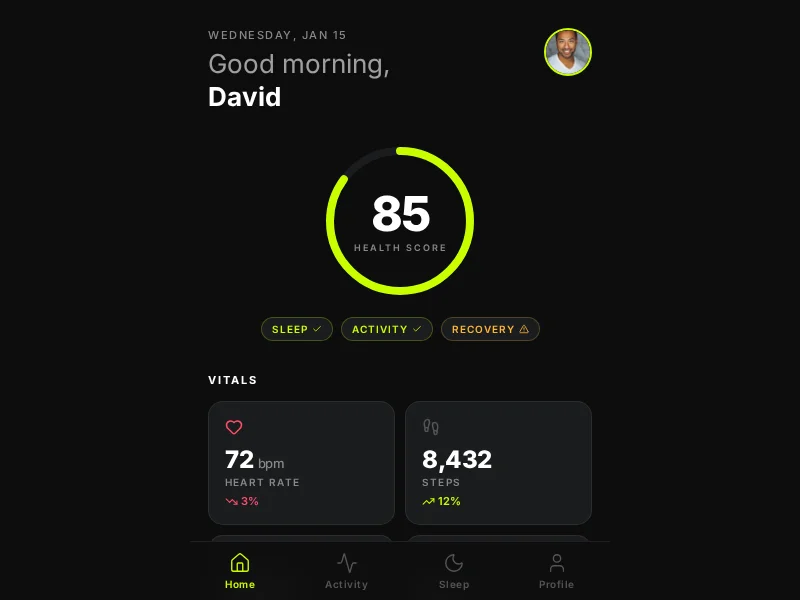
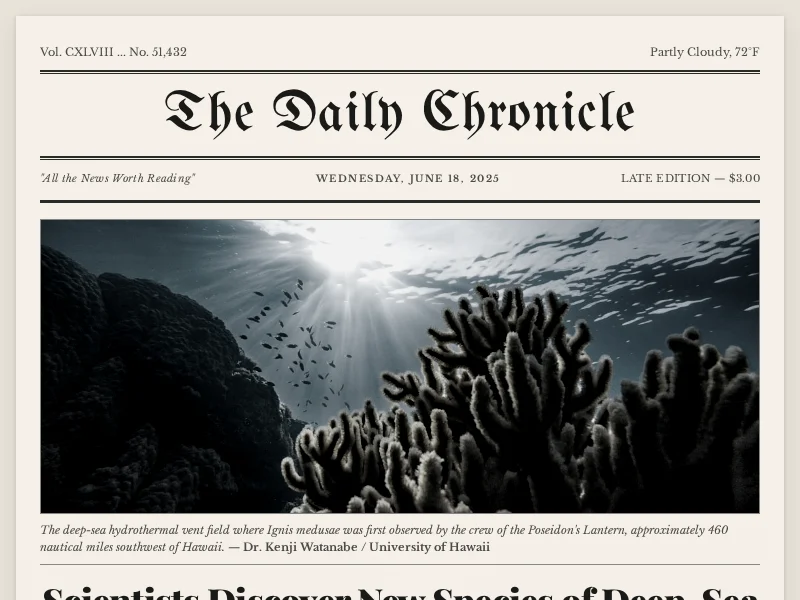
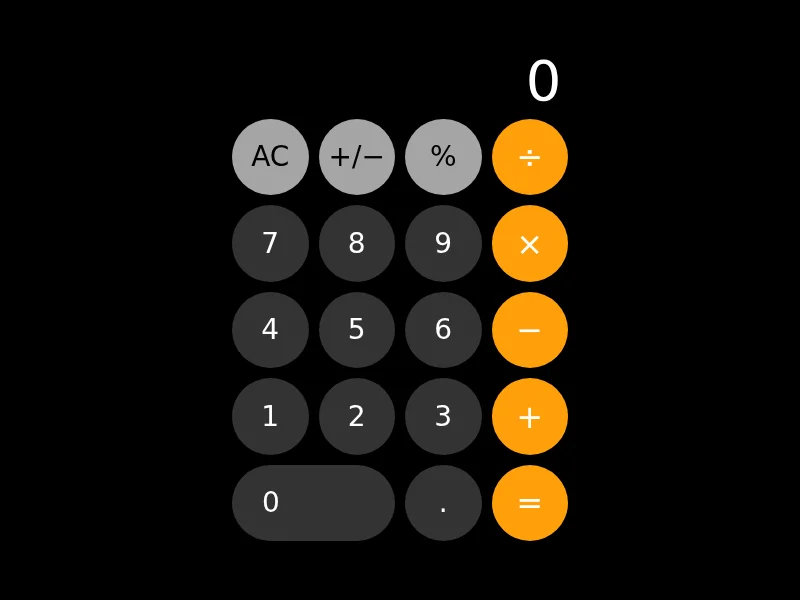
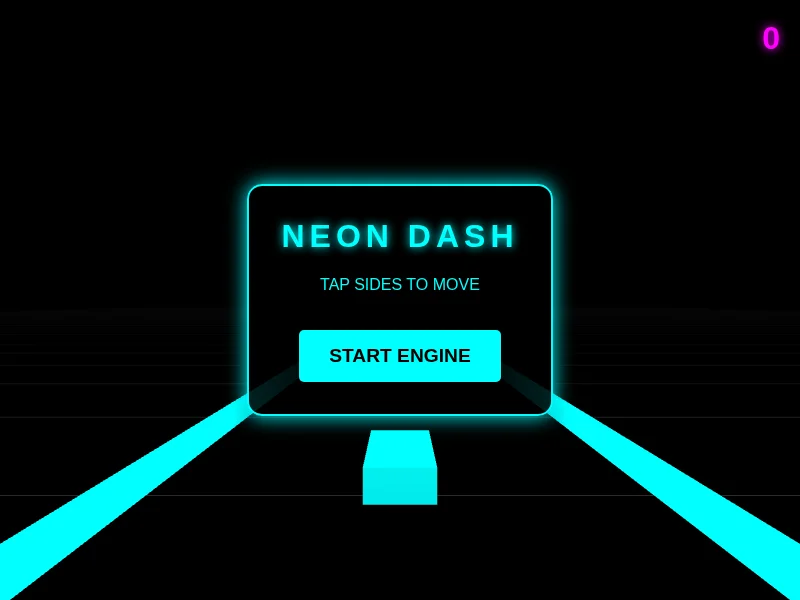
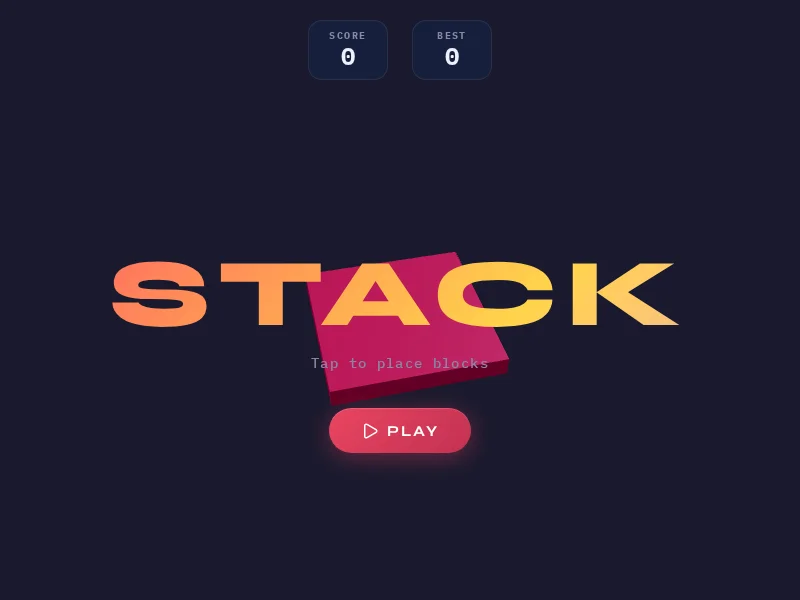
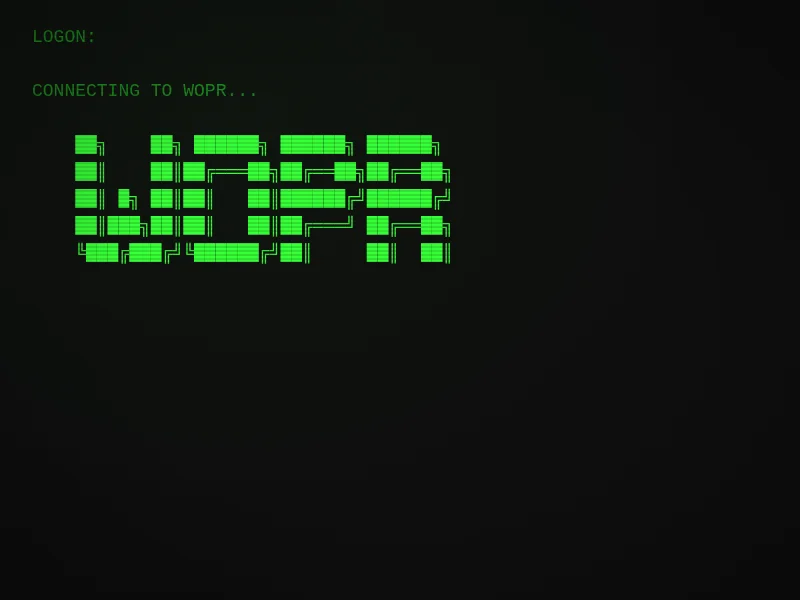
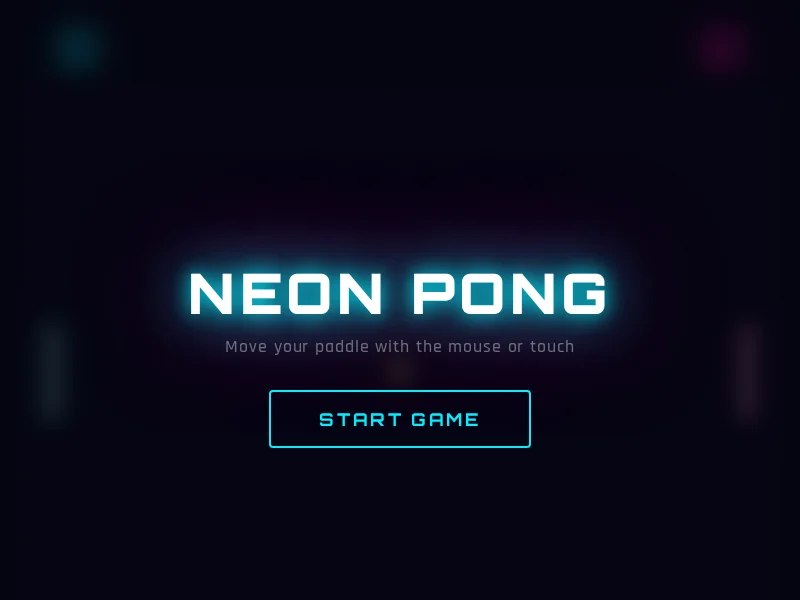
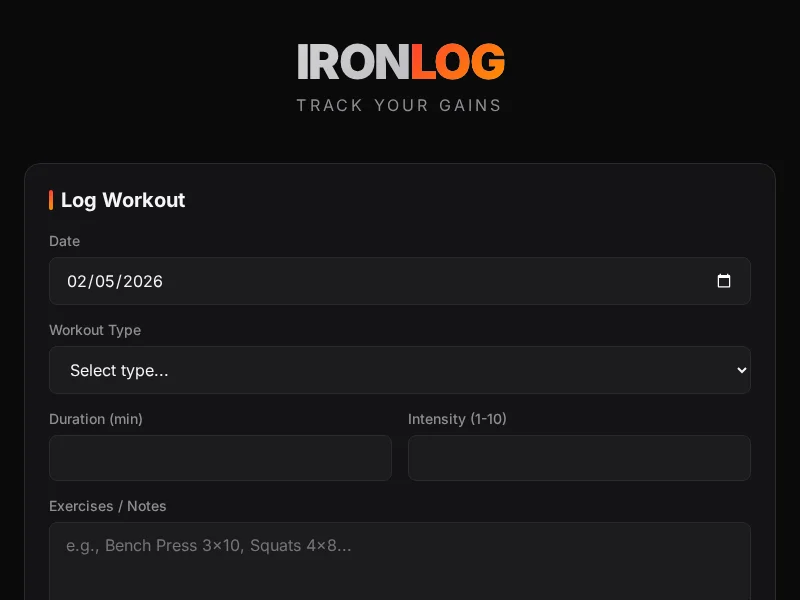
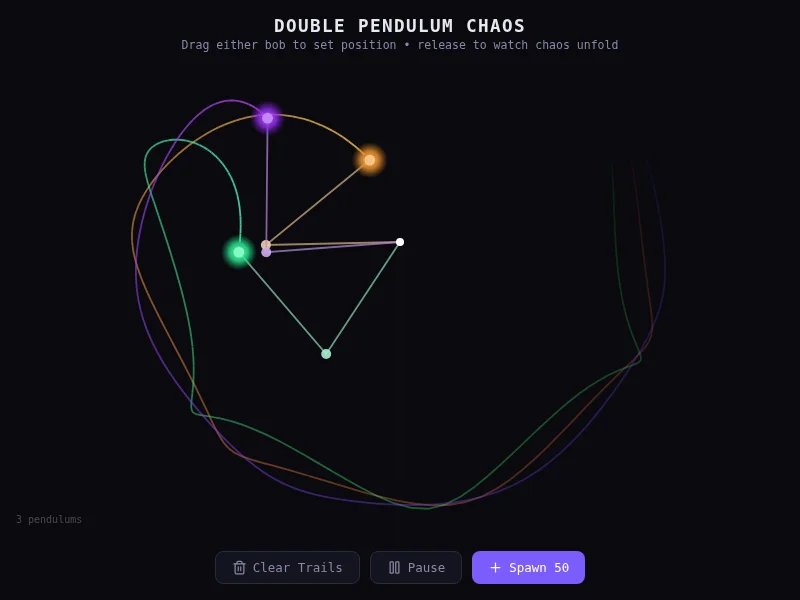
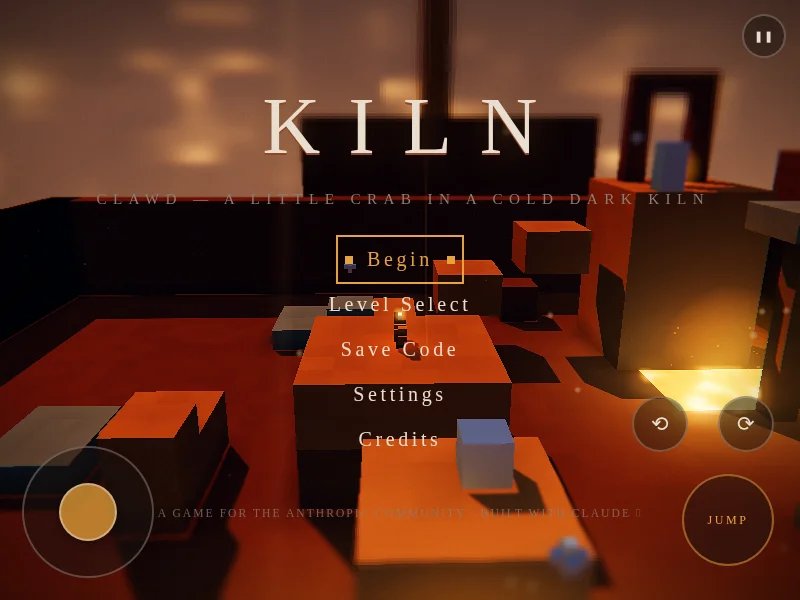
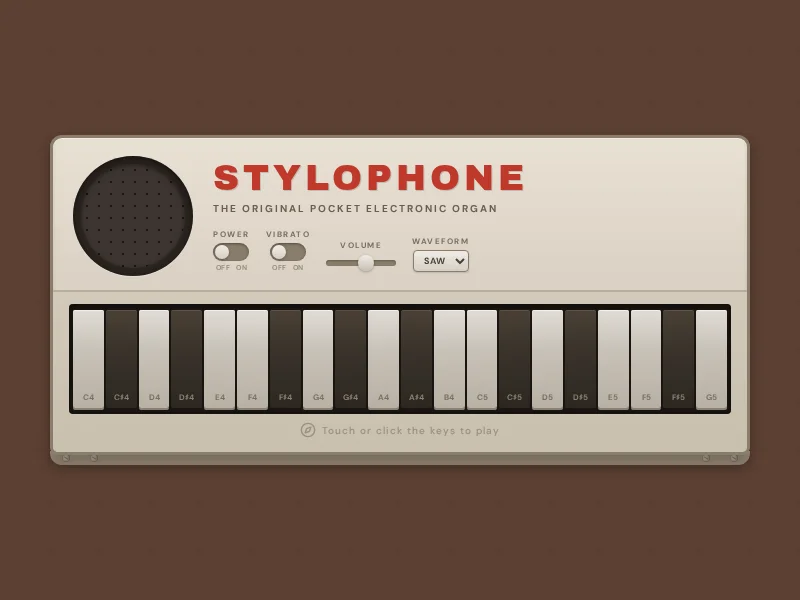
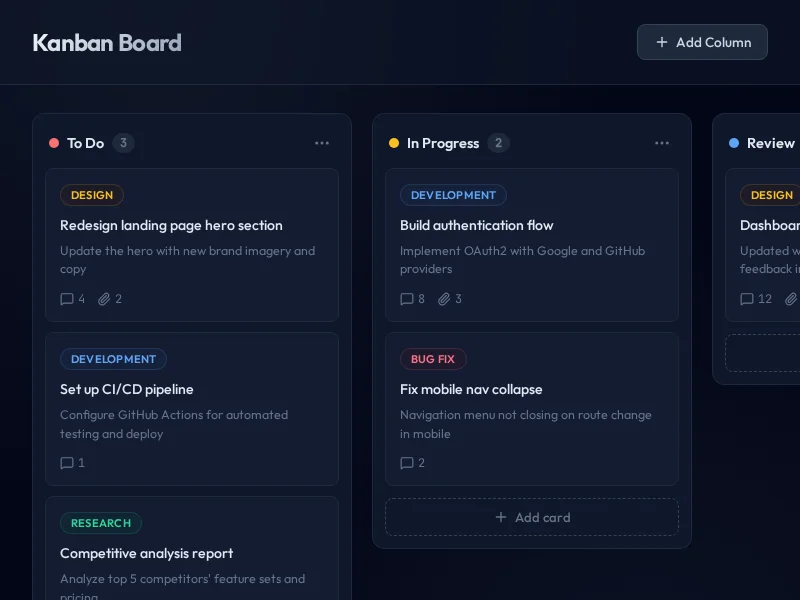
Dashboards, landing pages, apps, UI experiments — all built and published directly from Blnq.

MCP

Connect AI agents to the editor

Blnq exposes an MCP endpoint that lets AI agents read, write, and manage your project in real time. Claude, Cursor, Windsurf, or any MCP-compatible client can connect. See the full tool specification for details.

Connect in 3 steps

  1. Open an editor tab at blnq.studio/e and click Start MCP in the header. Your MCP ID copies to the clipboard. If the button isn't lit, agents see an empty project.
  2. Add blnq to your AI client. Pick a snippet below.
  3. Just start prompting"using blnq, build me X". The agent will ask for your MCP ID the first time it needs it; paste it then. Or hand it over upfront if you prefer.

Claude Code — one command:

claude mcp add --transport http blnq https://blnq.studio/mcp

Claude Desktop, Cursor, Windsurf — drop this into your MCP config file (path varies by app):

{
  "mcpServers": {
    "blnq": {
      "type": "http",
      "url": "https://blnq.studio/mcp"
    }
  }
}

Any other MCP-compatible client works too — blnq speaks the standard Streamable HTTP transport. See the full per-client setup guide for exact config paths and fallbacks.

Then just ask — once the agent has your ID, prompt it like any other tool:

Using blnq, build me a one-page portfolio:
sticky nav, hero with my name, three project
cards, contact section. Dark theme, no AI blue.

Treat the MCP ID as a credential. Anyone with it can read and write your project while the tab is open. Close the tab to revoke; the ID is freed after a short grace period so brief network blips (wifi → LTE, sleep/wake) survive.

What agents can do

Once connected, AI agents can interact with your project in real time:

Read code See line-numbered content from every file in your project
Write and edit live Replace files or make targeted edits by line range — changes appear instantly
Search across files Find text or regex patterns across all project files with line numbers
Check the preview Catch JS errors and accessibility violations in one call after every change
Inspect project Project name, ID, and file list with line counts — plan before reading
DESIGN.md

Design systems your AI respects

Blnq supports Google Labs' DESIGN.md format — one file at the project root that declares your palette, typography, spacing, and radii as YAML tokens. Drop it in and blnq auto-compiles the tokens into CSS custom properties on :root, injects them into the preview, and tells the AI what's in the palette so it references var(--color-primary) instead of inventing hex codes.

A DESIGN.md at the root

YAML frontmatter between --- fences. Blocks for colors, typography, spacing, rounded. A markdown body for rationale.

---
name: Heritage
colors:
  primary: "#1A1C1E"
  accent: "#B8422E"
  neutral: "#F7F5F2"
typography:
  h1:
    fontFamily: Public Sans
    fontSize: 3rem
  body:
    fontFamily: Public Sans
    fontSize: 1rem
spacing:
  sm: 8px
  md: 16px
  lg: 32px
rounded:
  sm: 4px
  md: 8px
---

## Overview
Editorial gravitas — typography-led,
restrained palette, generous whitespace.

Ask the AI to "set up a design system" and it creates the file for you. Edit colours visually from the palette swatches in the file explorer.

What blnq does with it

Everything below happens automatically the moment the file exists — no build step, no imports, no configuration.

Auto-compiled CSS variables Tokens become --color-primary, --spacing-md, --radius-sm, --type-h1-font-size on :root — use them directly in any CSS file
Palette editor in the sidebar Every colour becomes a clickable swatch — native colour picker writes the new hex back to DESIGN.md and the preview restyles live
AI honours the palette The token manifest is injected into the AI system prompt — it references var(--color-*) instead of inventing hex codes, and adds new tokens to DESIGN.md when it needs them
Drift lint in check_preview Flags any hex or font-family in your CSS that isn't in the token set, alongside JS errors and a11y violations
Chrome Extension

See any website through different eyes

Our vision filters aren't just for the editor. Install the Chrome extension to simulate colour blindness, glaucoma, macular degeneration, cataracts, and more — on any webpage.

1

Download

Grab the zip file below and extract it to a folder on your machine.

2

Open Chrome Extensions

Navigate to chrome://extensions and turn on Developer mode using the toggle in the top right.

3

Load unpacked

Click Load unpacked and select the extracted folder. The Blnq eyes icon will appear in your toolbar.

4

Browse with vision filters

Click the icon on any webpage and choose a filter. The page will update instantly — move your mouse to see how glaucoma and macular degeneration follow your gaze.

Download Blnq Accessibility Filters Chrome & Chromium browsers (Edge, Brave, Arc, etc.)

What will you create?

Start from scratch or describe your idea and let AI give you a head start.

Explore the community

See what the community is shipping — fork anything that catches your eye and make it your own.